
Dixie County VINELink Coverage
Florida VINE through VINELink lets anyone check custody status for free. Searches stay anonymous. State materials say the system covers people held in Florida jails. It also includes FDC inmates. People supervised by FDC count too. Alerts can cover several events, not just release. A notice might report a transfer, an escape, a death, or an out-to-court trip. The trigger depends on the record and how the service is deployed.
Dixie County deserves a caution, though. The sheriff's office pages do not say the local jail feed is fully enrolled, name the data key it sends, or state a lag. Treat VINELink as a starting point for a Dixie County arrest. Then confirm booking details through SmartCop and court activity through Dixie OCRS. VINELink also skips the booking photograph and the full charge table that SmartCop carries. The official VINELink search route opens directly into the lookup form.
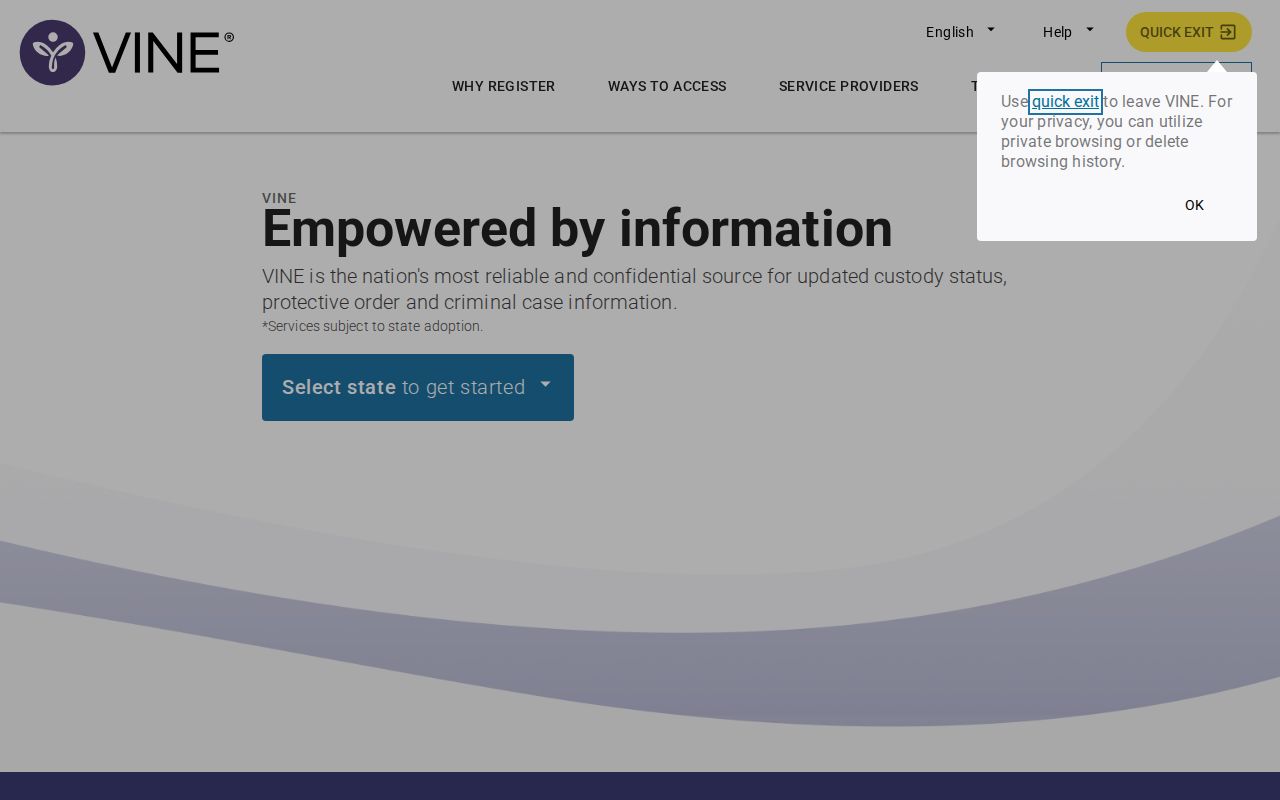
The screen starts a search for one person's custody status, not a gallery or county booking list.
Search Dixie Custody on VINELink
Enter enough identity detail to separate people who share a name. Skip any expectation of a photograph, because VINELink is not the county booking-photo source.
- Open VINELink and choose Florida as the state.
- Enter the person's name or the identifier requested by the interface.
- Compare multiple matches by identity details, status, facility, and ID.
- Open the likely record and note when its status was last reported.
- Check SmartCop or call DCSO if the result conflicts with known recent events.
The Dixie County booking and roster overview walks through the official jail card and what happens later in court. Think of VINELink as a supplement to that arrest record, never a replacement for it.
What VINELink Shows After an Arrest
What a search returns depends on the agency holding the record. The Florida interface may display certain status details, while a Dixie County booking card carries fields of its own.
| VINELink field | How to read it |
|---|---|
| Name or ID | The identity label reported to the service; compare it carefully. |
| Custody status | A reported state that may lag a fresh booking or recent release. |
| Facility or location | The reported holding or supervision location, subject to transfer. |
| Status-change information | The event data available for that record and deployment. |
| Notification option | A route to register when alerts are supported for the record. |
VINELink skips several things the sheriff roster shows. No bond amounts, holds, full charge lists, booking photos, or probable-cause narratives appear there. It tracks custody only, so arrest details live elsewhere.
How to Register for Custody Alerts
You can register once a record search succeeds or qualifies. Florida offers sign-up through the website, by phone, by email, by text, and through a mobile app. The statewide telephone route is 1-877-846-3435, also written as 1-877-VINE-4-FL.
- Open the notification option on the matched record.
- Select the offered phone, email, or text channel.
- Enter direct contact information that the registrant controls.
- Choose and retain a four-digit PIN for phone confirmation.
- Follow the confirmation prompt and keep the record details for later checks.
Automated calls can come overnight and keep repeating until a PIN is entered. Never list the jail switchboard as the notification number. Treat any alert as a cue to verify. Transportation, court movement, or plain data entry can shift a custody status. For sign-up itself, the official VINELink registration route is the page to use.
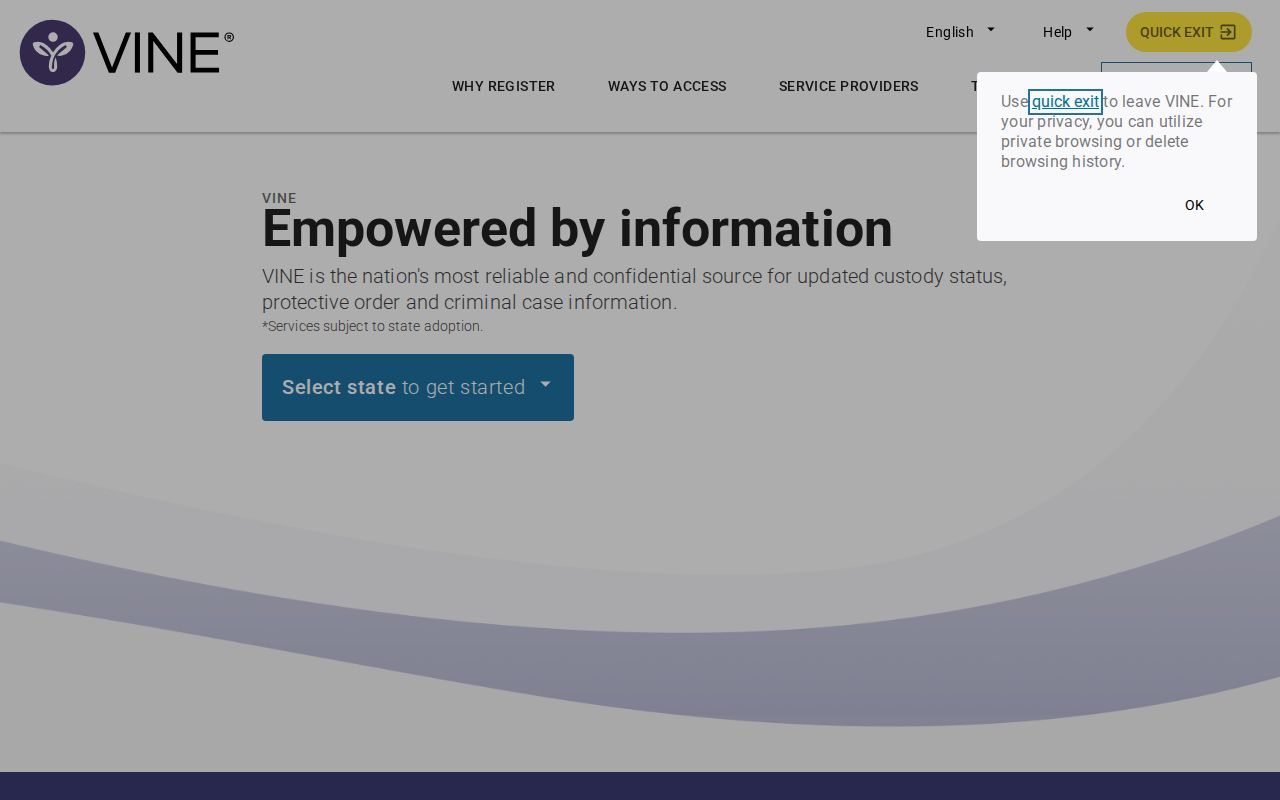
Registration is tied to notification choices and does not create a sheriff booking record.
VINELink Limits and How to Confirm
A blank result can mean several things. The booking may be too new to post. A misspelled name also breaks the match. Some records never join VINE at all, and the person might sit in a different facility entirely. The sheriff's office publishes no exact update schedule. For a fresh Dixie County arrest, open the Dixie arrests last 24 hours view or call the Jail Control Room at (352) 498-1231, extension 221. Federal custody sits outside VINE, too, since the Bureau of Prisons, ICE, and the U.S. Marshals each run their own systems. A Florida state prison sentence belongs in the FDC offender search, a county-jail-only detainee belongs in SmartCop, and case outcomes stay with the clerk.
Dixie Alert is a different animal. It runs on Everbridge, a community hazard warning platform. It does not track jail custody at all. The sheriff's office lists no dedicated DCSO inmate-search app either. Two services can both send notifications yet serve entirely different purposes. Treat them separately.
Dixie Custody Stages Compared
Every Dixie County booking starts locally. SmartCop can then display a public card listing booking time, bond, charges, holds, and an "In Jail" tag. VINELink may pick up a status that allows alerts. Release pulls the name off the current roster. The arrest record and court file survive it, though, and a state sentence shifts the person into FDC's locator.
- Booking
- Administrative intake into jail custody, including identity and charge data.
- Transfer
- Movement from one holding location or authority to another.
- Release
- Departure from the reported custody, which does not erase the arrest record.
- Disposition
- The court's later resolution of the charge, not a VINELink status.
These stages refresh at different speeds. Keep the VINELink record, the booking number, and the court case number separate. An alert warrants a second look. Reopen the official service, and when confirmation truly matters, call the facility directly, since an out-to-court movement notice is not the same as final release.
Florida VINE Contact Options
Florida VINE is not just a website. A statewide phone line handles callers who cannot manage the JavaScript-based search screen. Once registered, users may get email, text, automated calls, or the mobile app. What actually appears depends on the record. The live service matters too. Trust the options on display. Expecting every channel every time will only lead to frustration.
FDC runs its own statutory victim-notification request process for people under its custody or supervision. That process is separate. It does not mean a Dixie County Jail booking carries the same fields or alerts. The county arrest roster, statewide custody notifications, and FDC victim services share a purpose. Their owners, though, are different.
Note: Keep your contact details and four-digit PIN current so any supported status alert can reach you and be acknowledged.
Match a Dixie VINELink Result
Common surnames trip people up in Dixie County. Check more than one field before trusting a match. Set the VINELink result beside the SmartCop booking number, the facility listed, and the dates you already know. The two systems do not share identifiers. SmartCop's MNI number is an internal master-name identifier. Never confuse it with a court case number or an FDC DC number. Still unsure who you are looking at? Call the custodian rather than settling for a partial match on a name alone.
More than one result can mean two different people. It can also mean separate custody records for the same person. Read the location and status-change details before you sign up for alerts. A facility label can change after a transfer. A release alert may also track only the custody record being monitored. It will not cover the whole legal case. Save the exact record you selected. A later call can then be checked against the same person and event.
VINELink cannot authenticate a booking photograph, because it never displays the SmartCop image. The official jail photo, when one appears, belongs to the county booking record. That is where demographic fields and the image simply document intake. Confirm identity directly when it matters.
Respond to Dixie Custody Alerts
Treat every status alert as a prompt to verify. That matters most when a release or transfer affects a safety plan or a court process. Open VINELink through its official address, never through a link inside an unexpected message. Compare the current record with the prior status. If the change still makes no sense, call the named facility. You can also call DCSO at its published number.
Automated calls may keep repeating until the PIN is entered. Keep that PIN private. Do not register a shared jail or agency line as the contact number. Update the registration through the service whenever contact information changes. A missed message does not freeze custody status. Delivery alone cannot eliminate agency data lag.
Out-to-court, transfer, and release are three different events. A transfer can hand the person to another custodian. Out-to-court is usually temporary. Release from one jail record does not decide the criminal charge or erase the booking. For the later court outcome, use Dixie OCRS. Use the FDC search if the person enters state correctional custody.
Dixie Alert Versus VINELink
Dixie Alert is not a custody tool. DCSO runs it on Everbridge for community hazards and emergencies. It says nothing about one person's jail status. VINELink is the opposite: person-specific status lookup with supported custody alerts. SmartCop sits between them as the county's public booking and roster interface. Keeping the three straight saves you a wasted first attempt.
| Service | Primary purpose |
|---|---|
| SmartCop JAIL View | Dixie County booking cards, roster status, charges, bond, and photos when available. |
| Florida VINELink | Person-specific custody status and supported release or transfer notifications. |
| Dixie Alert | General emergency and hazard messages through Everbridge. |
| Dixie OCRS | Court activity and later case disposition. |
DCSO lists no separate inmate-search mobile app. HomeWAV covers jail communication and visitation, nothing else. Treat neither as a public booking lookup or a substitute VINELink feed.
Public Record Search
Sponsored Results